Stop emails from a page you signed up to
Emails you get after signing up on a page come from its owner, not Linkbase. How to unsubscribe, and what to do if they keep coming.
When you sign up on a Linkbase page, your email address goes to the page's owner. Linkbase doesn't send newsletters: the owner writes to you from their own email service. The quickest way to stop their emails is the unsubscribe link in one of them.
Who sends what
| Sent by | How to stop it | |
|---|---|---|
| "Confirm your subscription to", followed by the page's name | Linkbase, once, and only if the owner asks new subscribers to confirm | Ignore it. You aren't subscribed until you confirm. |
| Newsletters, offers and updates | The page's owner, from their own email service | The unsubscribe link in that email |
Unsubscribe
- Open one of the emails from the page's owner.
- Find the unsubscribe link. It's usually at the bottom.
- Follow the steps it shows.
Some owners link to your subscription on Linkbase instead. That page is titled You're subscribed to and the page's name, and shows your email address. To leave from there:
- Select Unsubscribe, under your email address.
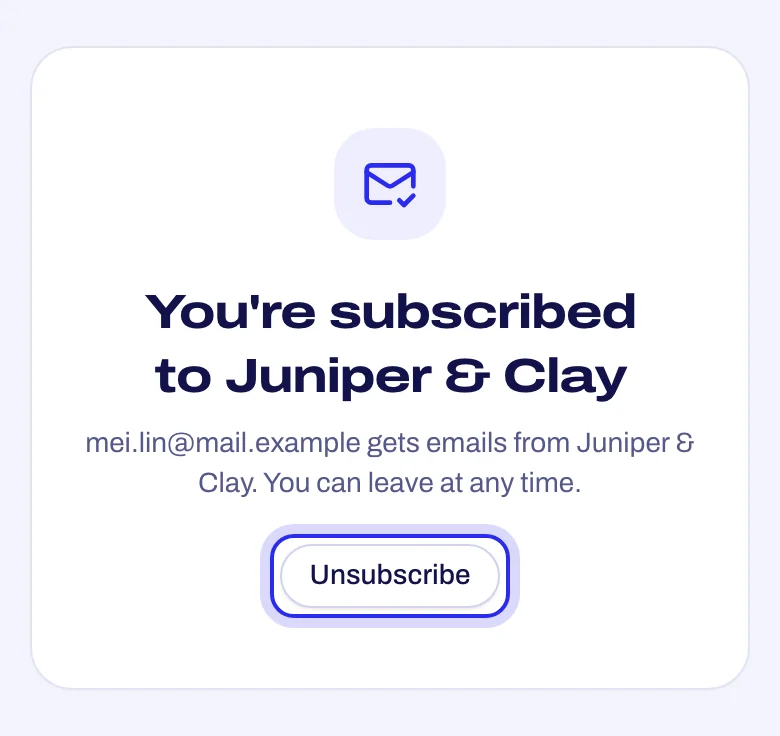
- The page changes to You've unsubscribed and confirms that your address won't get emails from the page any more.
Opening the link doesn't change anything by itself, because email security scanners open links too. You always need to select the button.
If you never confirmed
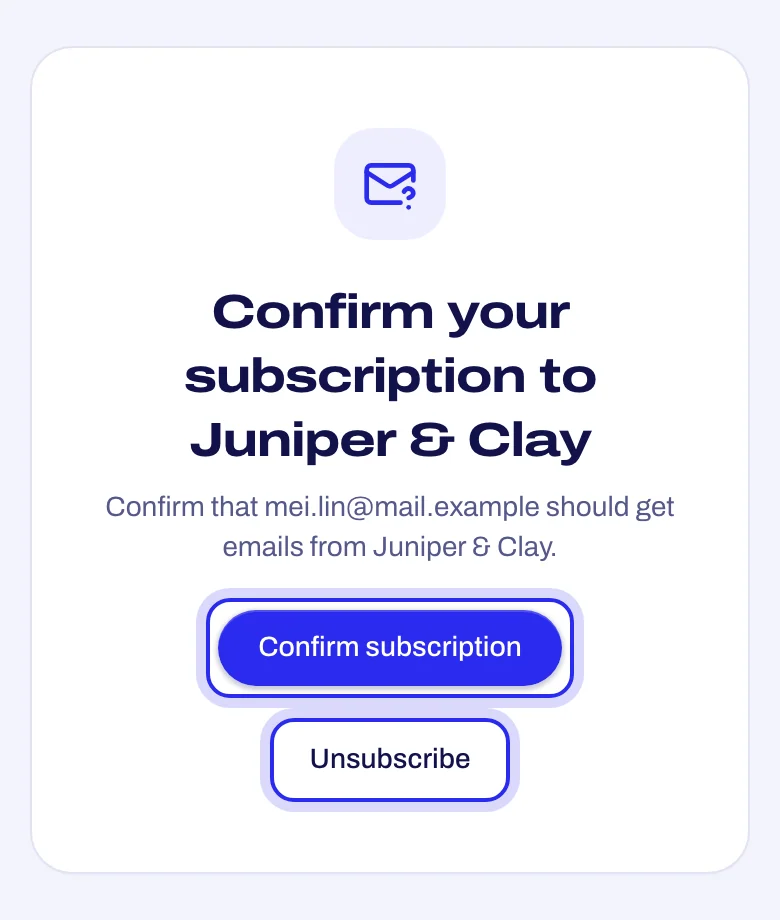
If you got an email asking you to confirm a subscription you didn't mean to start, do nothing. As the email says, you won't be subscribed if you ignore it. The email's button only opens a page with two choices, Confirm subscription and Unsubscribe, and nothing changes until you select one of them.
If the emails keep coming
Unsubscribe in the email itself. Leaving through Linkbase updates the owner's list on Linkbase, and can pass the change on to tools they've connected. But if the owner copied the list into another email service, that service may keep sending until you unsubscribe there too.
Ask the owner. Owners can unsubscribe you or delete your address from their list. Use the contact details or form on their page. Under Linkbase's Privacy Policy, the page's owner is responsible for the information you gave them, and Linkbase helps them respond to your request.
Report the page. If you never signed up, or the owner ignores your request, report the page and choose Spam or a scam.
Each page keeps its own list. If you signed up on two pages, you have two subscriptions, and leaving one doesn't affect the other.
Other ways your address reaches an owner
- Unlocking with your email. If you entered your email under Unlock with your email to open a link or tab, the prompt said the owner gets your address. You join that page's subscribers, and the steps above apply.
- Forms. Answers to a form go to the page's owner, but they don't add you to the page's subscribers. To have your answers deleted, ask the owner.
- Bookings. Emails about a booking come from Linkbase. See Change or cancel a booking you made.
Troubleshooting
"This link doesn't work." The link is incomplete, or your subscription was deleted, which means you're no longer on the owner's list on Linkbase. If the link wrapped over two lines in your email, copy the whole thing into your browser.
I want to sign up again. Use the signup form on the page again. If the page asks new subscribers to confirm, you'll get a new confirmation email.
I run the page. See View, search and export your audience to unsubscribe or remove someone.