Report a page
Tell Linkbase about a page with a scam, impersonation, hate or other content that breaks the rules. The owner never learns who reported it.
You can report any published Linkbase page with the Report button at the bottom of the page: for example a scam, a page pretending to be someone, or hateful content. Reports go to Linkbase's team, and the page's owner isn't told who sent them.
If someone is in immediate danger, contact your local emergency services first, then report the page.
Report a page
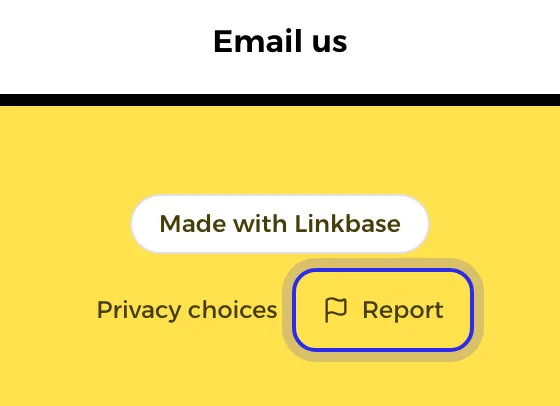
- Scroll to the very bottom of the page. Under Made with Linkbase (or the owner's logo in its place), select Report, the small button with a flag icon.
- A form titled Report this page opens. Under What's the problem?, choose the reason that fits best:
- Spam or a scam
- Phishing or stealing information
- Pretending to be someone else
- Hate or harassment
- Adult content
- Violence or dangerous acts
- Copyright or trademark
- Something else
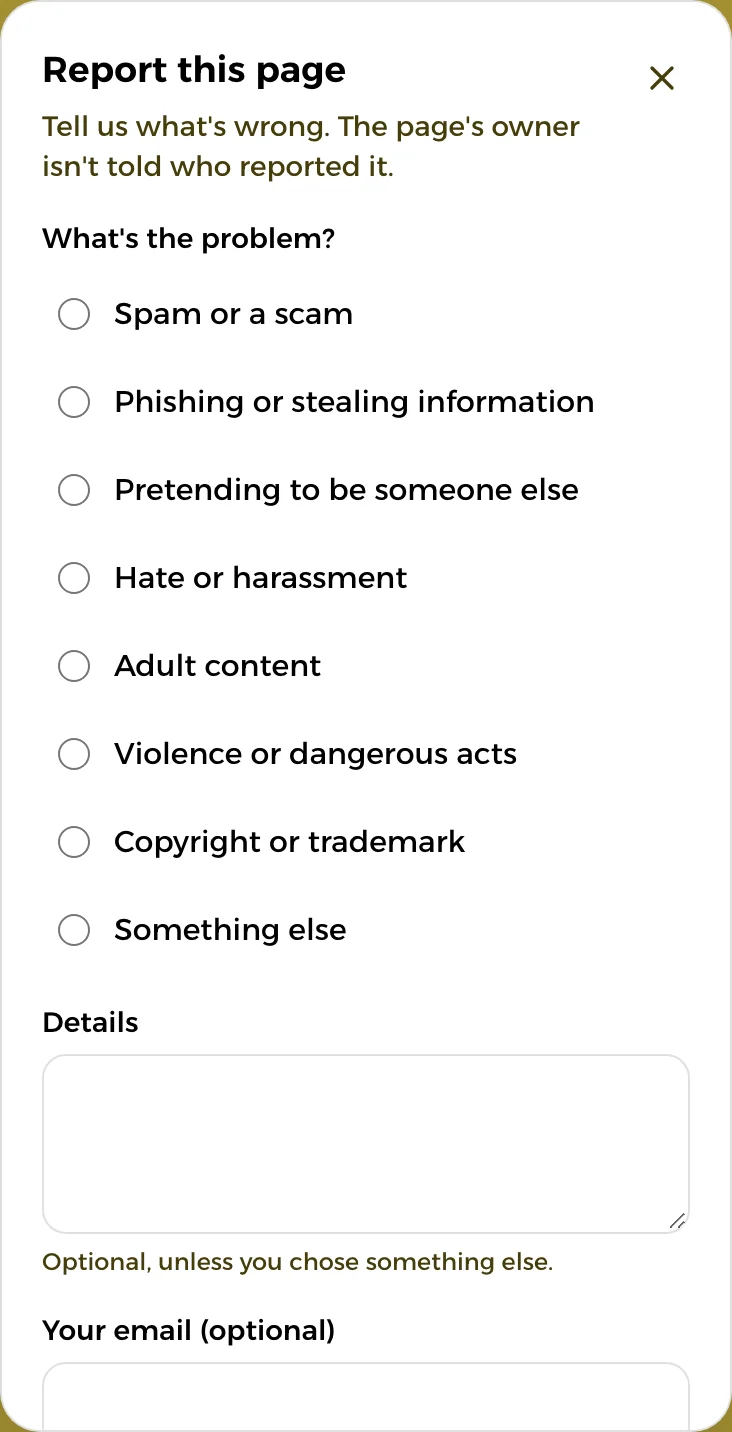
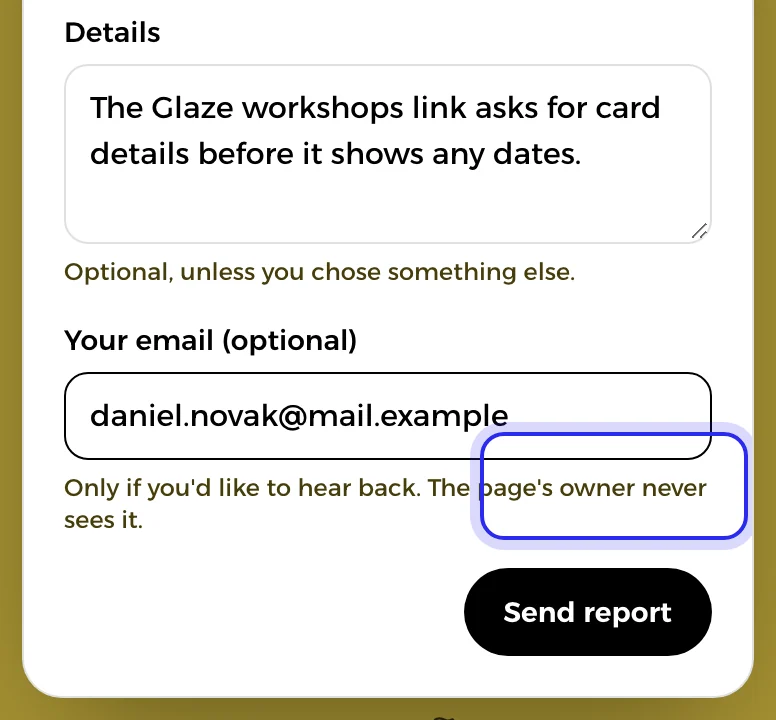
- In Details, say what's wrong and where to find it: which link, tab or piece of text. Details are optional, except for Something else, which needs at least 10 characters. You can write up to 2,000.
- To hear how it ends, enter Your email (optional). The page's owner never sees it.
- If a short security check appears, complete it.
- Select Send report, at the bottom of the form.
The form changes to Thanks, we'll review it. You can close it and keep browsing.
For child safety, intimate images shared without consent, or a threat to someone's safety, say so at the start of Details so Linkbase can prioritize it.
What happens next
- Linkbase's team reviews every report. A report doesn't take a page down by itself: a person looks at it and decides.
- If the page breaks the rules, Linkbase acts in proportion to the harm. That can mean removing content, disabling links or a custom domain, taking the page offline, or suspending the account. The rules are in the Terms of Service, and in plain words in What's allowed on Linkbase.
- A page that's taken offline shows "This page isn't available" to everyone, the same message as an address that doesn't exist.
- If you left your email, you get one email titled "We reviewed your report", in the language the page showed you. It says whether Linkbase took action, but not what the action was.
A page's rules cover what it links to as well. If a page sends people to a scam or a fake login, report the page and name the link in Details.
Report a short link or QR code
Short links and QR codes open their destination straight away, so they have no Report button. Use the Report a page or link topic on the contact page and include the short link's full address, or the address the QR code opened, with what's wrong.
To send a formal copyright or trademark notice, follow "Copyright and trademark complaints" in the Terms of Service.
Troubleshooting
| Message | What to do |
|---|---|
| Choose what's wrong. | Pick one of the reasons. |
| Tell us a little more, in at least 10 characters. | Something else needs a short description. Add a few words in Details. |
| Enter a valid email address, or leave it empty. | Fix the address, or clear the field to report without hearing back. |
| Please complete the check above. | Finish the security check, then select Send report again. |
| You've sent several reports. Please try again later. | One network can send 5 reports every 10 minutes. Wait a few minutes. |
| That didn't work. Please try again. | Try once more. If it keeps failing, report it through the contact page. |
There's no Report button. It's on published pages only, under the page's last block. Private preview links don't have one. If the page says "This page isn't available", it's already offline or doesn't exist, so there's nothing to report.
Common questions
Will the owner know it was me? No. The owner isn't told who reported their page, and never sees your email. Linkbase doesn't keep your IP address with the report.
Is my page the one that was reported? If you own the page, see If your page is restricted.