Download your data
Download a ZIP of your account's data or of everything in a workspace, as JSON and CSV files, whenever you like.
You can download a copy of your data at any time, on any plan: your own account's data, or everything in a workspace you own. Use it as a backup, to move to another tool, or before you delete something. Linkbase prepares a ZIP of JSON and CSV files and emails you a link when it's ready.
Choose what to export
| Export | What's in it | Who can ask |
|---|---|---|
| Your data | Your profile, how you sign in, your sessions, your workspaces, the pages and images you created, your subscription and invoices, and your activity | You, for your own account |
| A workspace | Its pages with every tab, block and version, images, subscribers, form replies and bookings, short links and QR codes, daily analytics, domains, members and the audit log | The workspace's owners |
JSON files hold everything, for moving to another tool. CSV files hold one table each, for opening in a spreadsheet, such as pages.csv or audience/subscribers.csv.
Passwords, sign-in and session tokens, and integration signing secrets are never exported.
Export your account's data
- Open the account menu (your name, at the bottom of the sidebar) and select Account.
- Select Privacy & data in the list on the left.
- Under Your data, select Request export. The button reads Preparing export… while Linkbase builds the file.
Export a workspace
- In the workspace, open Settings. You're on General.
- Under Export workspace data, select Request export.
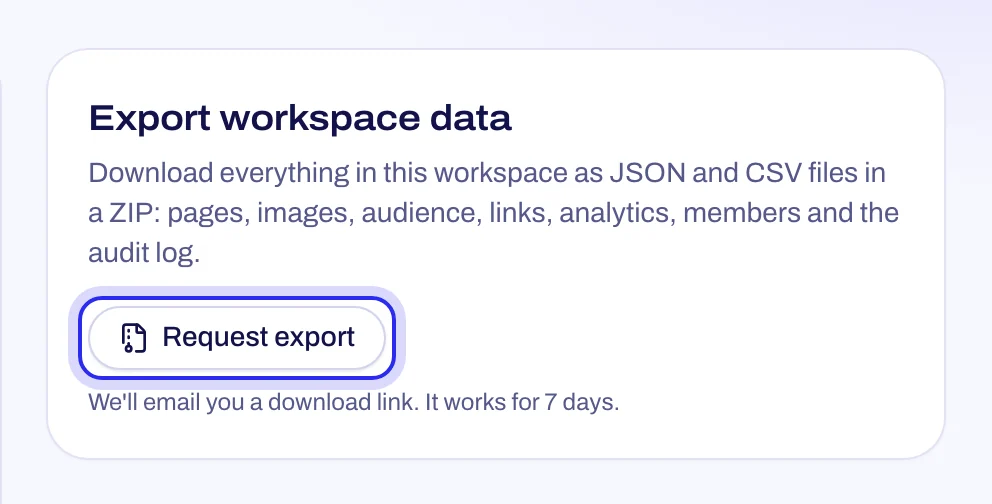
Anyone who isn't an owner can ask an owner to export it.
Download the file
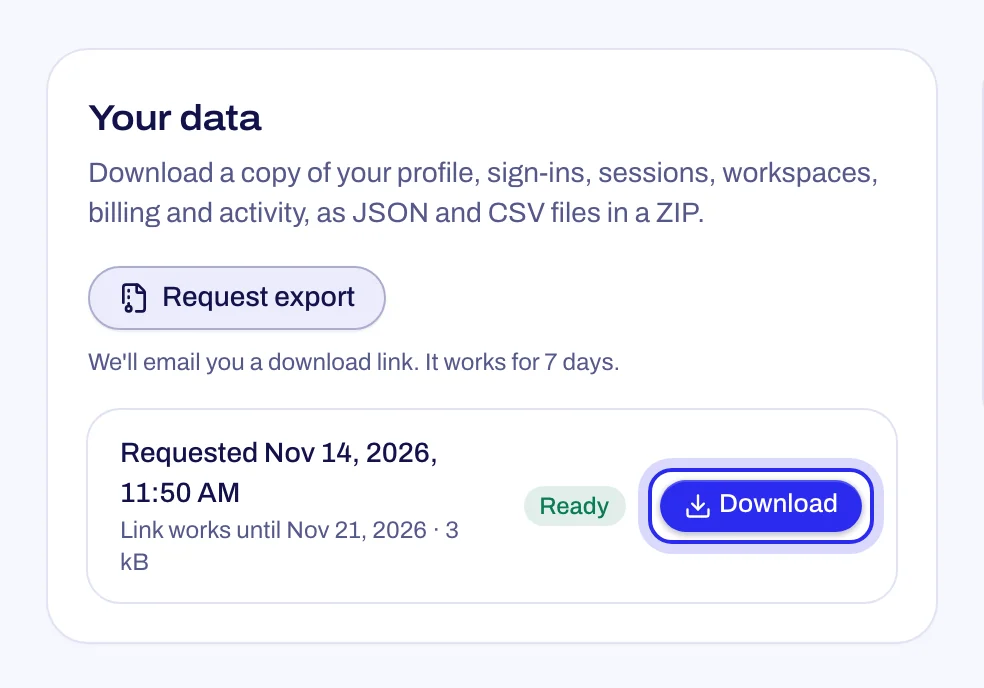
The button changes to Preparing export… and the export appears under Recent exports as Preparing. Most exports are ready within minutes. You can leave the page: when it's ready, you get an email titled "Your Linkbase data is ready" (or "Your export of" and the workspace's name), and a notification in the dashboard.
- Select Download export in the email, or Download beside the export under Recent exports.
- Sign in if you're asked to. The download works only for the person who asked, while signed in.
- Unzip the file on your computer.
The link works for 7 days. After that the export shows Expired and the file is deleted, so request a new one if you need it again.
Each table holds up to 100,000 rows. Exports from Audience have the same limit but follow the list's filters, so you can export a longer list in parts, for example one page at a time.
Limits
- One at a time. While an export is being prepared, asking again reuses it instead of starting another.
- Five a day. You can ask for five exports in any 24 hours, counting account and workspace exports together.
- Owners only, until the end. To download a workspace export, you must still own the workspace.
Smaller exports
You don't need a full export to get one list:
- Subscribers and form replies: select Export CSV in Audience. See View, search and export your audience.
- Analytics, on the Pro and Team plans: download a card, or select Export daily rows, in Analytics. See Export analytics and schedule reports. On every plan, the workspace export includes daily analytics.
Troubleshooting
"That download link has expired, or it belongs to another account." The link is more than 7 days old, or you're signed in to a different account than the one that asked. Sign in to the right account, or request a new export.
The export shows Failed. Something went wrong while building it. Select Request export to try again. If it keeps failing, contact support.
"Too many attempts. Wait a minute and try again." You've asked for five exports in the last 24 hours. Use one of the exports you already have, or try again later.
I don't see Export workspace data. You aren't an owner of this workspace. See Roles and what each can do.
Common questions
Can I export after my plan ends? Yes. When a plan ends, you can still sign in, edit drafts and export your data.
Should I export before deleting my account? Yes. Your account data is removed at once, and workspaces only you belong to go offline straight away and are deleted for good after 30 days, so download anything you want to keep first. See Delete your account.
For ideas on what to do with your files, read Own your audience: export your data, lists and analytics anytime.