Collect email signups
Add an email signup block to your page, choose whether to ask for a name, and write the button and thank-you message.
An Email signup block lets visitors leave their email address, and their name if you ask for it, so you can stay in touch. Use it for a mailing list, a waitlist or launch news. Everyone who signs up appears in Audience → Subscribers.
Before you start
- Email signups are included in every plan. If your plan caps the number of subscribers, Pricing shows the limit.
- Linkbase collects the addresses but doesn't send newsletters. To write to your subscribers, export the list or pass each new signup to your email tool with a webhook.
- Visitors can sign up only on your published page. In the editor, the block shows "Visitors can send this form once the page is published."
Add the block
- Open your page in the editor and select Add block at the top of the structure panel on the left.
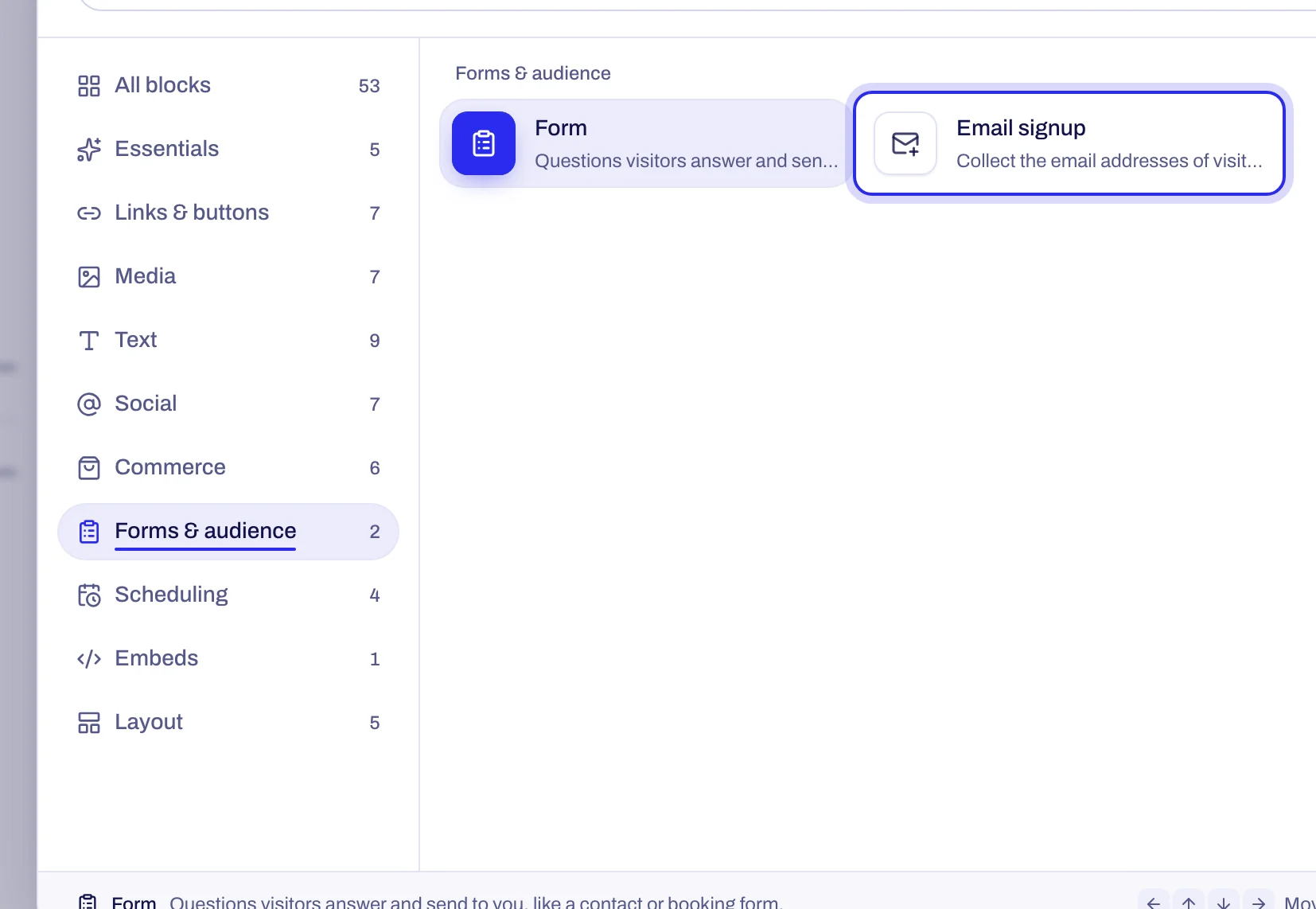
- In the block library, choose Forms & audience in the list of categories, then Email signup. You can also type "newsletter" or "subscribe" in the search box. The line under the library's title says where the block goes, such as at the end of the tab.
- The block is added and its settings open in the panel on the right. In Title, type a heading, such as "Get the monthly studio notes".
- In Description, say what people will get and how often.
- Under Ask for a name, choose No, Optional or Required.
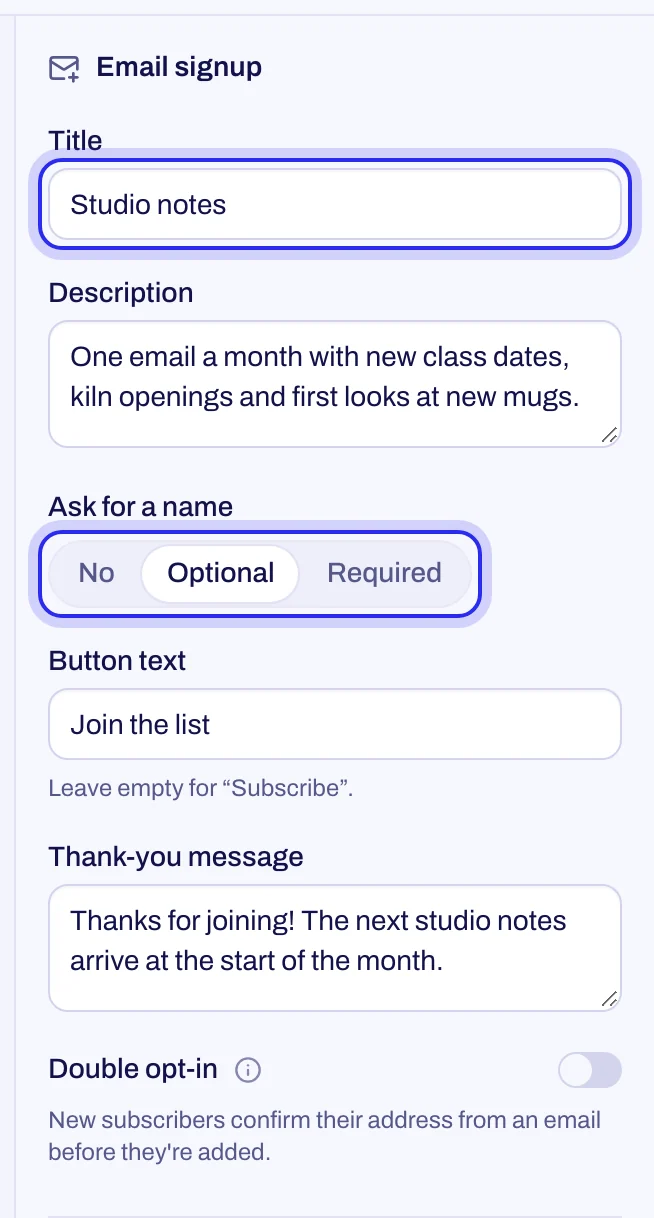
- Optional: change the Button text and the Thank-you message, and turn on Double opt-in (see the table below).
- Select Publish in the top bar. Visitors can sign up from now on.
The settings
| Setting | What it does | Limit |
|---|---|---|
| Title | A heading above the field, such as "Get the monthly recipe" | 120 characters |
| Description | A line or two about what people will get and how often | 500 characters |
| Ask for a name | No, Optional or Required. New blocks start on Optional | |
| Button text | The button's label. Leave it empty for Subscribe | 40 characters |
| Thank-you message | What visitors see after they sign up. Leave it empty for a short default thank-you | 300 characters |
| Double opt-in | Off by default. When it's on, new subscribers confirm their address from an email before they're added |
Below these, the block's Tag and Schedule sections work as for any block.
A description that says what people get, and how often, does more for your signups than any button text. "One email a month with new dates" tells visitors exactly what they're agreeing to.
What visitors see
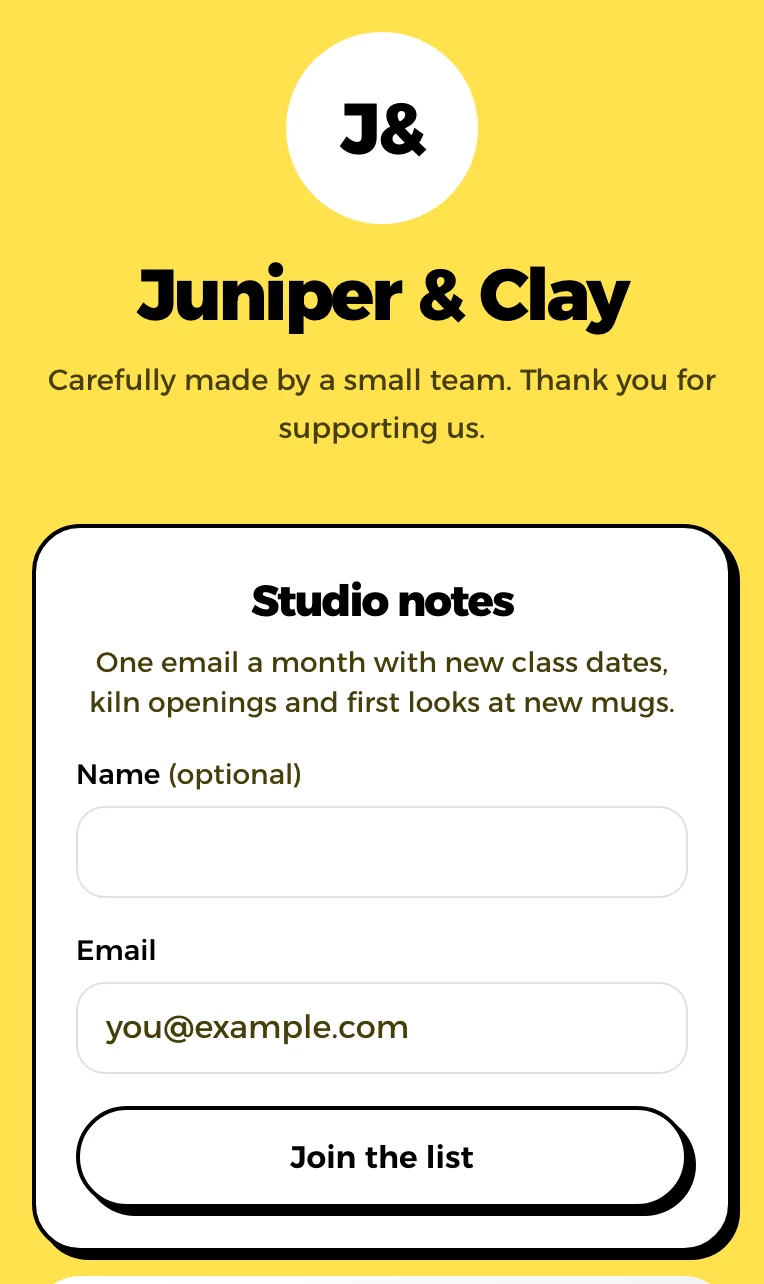
- With Ask for a name set to No, the email field and the button sit side by side on wider screens, and stack on phones. With a name field, both fields stack above the button.
- An optional name field shows "(optional)" after its label.
- If someone types an address that isn't valid, the field says "Enter an email address, like name@example.com." and nothing is sent.
- After signing up, the form is replaced by your thank-you message. With double opt-in, visitors see "Almost done: check your inbox and confirm your email address." instead. See Confirm signups with double opt-in.
The field labels, the default button text and every message appear in your page's language. Your own title, description, button text and thank-you message appear exactly as you wrote them, because Linkbase doesn't translate your words. To reach visitors in more than one language, see Write your page in more than one language.
Where signups go
Each signup appears in Audience → Subscribers with its email, name, page, status and date. From there you can search, unsubscribe or delete people, and export the list as CSV. See View, search and export your audience.
Linkbase doesn't email you about each new subscriber. To hear about them as they arrive, connect a webhook.
Common questions
What happens if someone signs up twice? Each page keeps one entry per email address, so they aren't added again. If they left their name the second time and hadn't before, it's added to their entry. They see the same thank-you either way.
Someone signed up on two of my pages. Why are they listed twice? Each page has its own list. Use the Page filter in Subscribers to see one page's signups.
Visitors see "This form isn't accepting answers right now." Your plan doesn't include email signups, or the account has reached its subscriber limit. The Subscribers tab shows "Subscriber limit reached" when that's the cause. Delete people you no longer need to make room, or upgrade your plan.
Can I put the block in a folder or show it only for a while? Yes. It works inside a folder, and you can schedule it to show only between two dates, for a waitlist or a launch. Outside its dates, the block can't take signups.
Do people who unlock part of my page with their email join the list too? Yes. They're added to the same Subscribers list. See Lock a link, folder or tab.