Your weekly summary email
What the Monday summary of last week's views, visitors and clicks shows, who gets it, and how to turn it on or off.
Every Monday at 9:00 in the workspace's time zone, Linkbase can email you last week's numbers for every page in the workspace, so you see how the week went without opening the dashboard. Workspace owners get it unless they turn it off, and other members can turn it on for themselves. It's included on every plan.
What's in it
The subject gives the headline, such as "Your week in Studio North: 1,240 views, 310 clicks". Inside:
- Views, Unique visitors, Clicks and Click rate for Monday to Sunday, each compared with the week before.
- Top links and Top referrers, up to five of each.
- Open analytics, which opens that week on your dashboard.
It's written in your language, with numbers and dates formatted the way you read them.
Turn it on or off
- Open Settings in the sidebar, then the Reports tab.
- Under Weekly summary, switch Email me a weekly summary on or off.
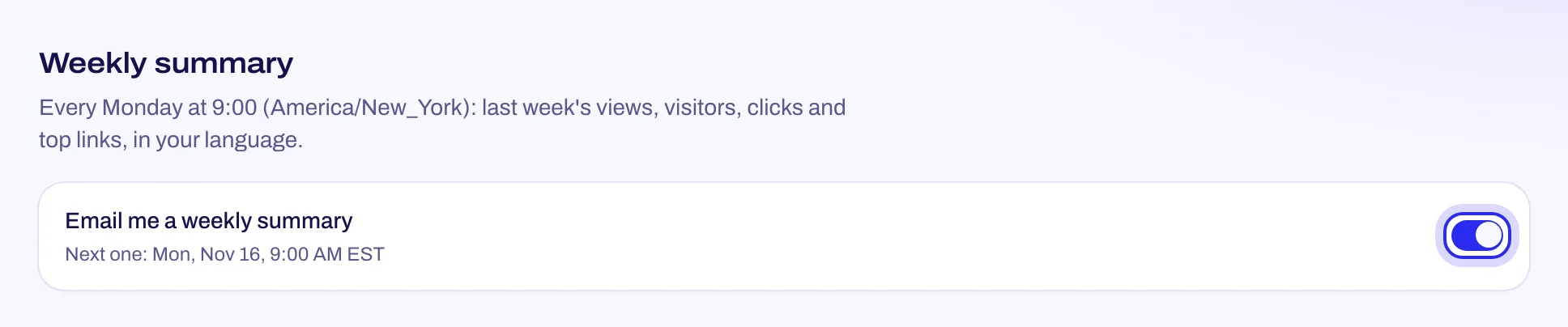
When you switch it on, you'll see "You'll get the weekly summary." and Next one: with the date of the next summary. When you switch it off, you'll see "Weekly summary turned off."
Each workspace has its own switch, so if you're in several, you choose for each one.
You can also stop it from the email: select Stop weekly summaries at the bottom, then Unsubscribe on the page that opens. Nothing changes until you confirm. To get it back later, switch it on again in Settings → Reports.
If it doesn't arrive
- It was a quiet week. If the workspace's pages had no views and no clicks from Monday to Sunday, no summary is sent.
- You can see only some pages. The summary covers every page in the workspace, so members who have access to only some pages don't get it, even with the switch on.
- You're not the owner. Other members get it only after they switch it on.
- Your email address isn't verified. Summaries go only to verified addresses.
- It came at an unexpected hour. It follows the workspace's time zone, which owners and admins set in Settings → General → Time zone.
If sending is held up, the summary still goes out within 24 hours of 9:00. After that, that week's summary is skipped and the next one arrives as usual.
Send numbers to someone else
The weekly summary goes only to members of the workspace. To email a page's numbers to a client or a colleague outside it, every week or month, set up a scheduled report. See Export analytics and schedule reports.