Skip to content
Features
Build
The editor, blocks, themes and templates
Share
QR codes, short links and your own domain
Understand
Analytics, live visitors and email reports
Earn and grow
Products, tips, bookings and signups
Teams and agencies
Your team, client workspaces and reports
Every language
40 page languages, right to left too
Trust and privacy
Cookie-free analytics, page health and passkeys
See all features
Resources
Blog
Practical guides for creators, businesses and agencies.
Guides
In-depth guides to selling, growing and reaching the world.
Help center
Step-by-step answers for every part of Linkbase.
For agencies
Templates
Pricing
Sign in
Get started
Menu
Features
Build
Share
Understand
Earn and grow
Teams and agencies
Every language
Trust and privacy
See all features
Resources
Blog
Guides
Help center
For agencies
Templates
Pricing
Sign in
Get started
Language
English
Español
Português (Brasil)
Français
Deutsch
Bahasa Indonesia
Türkçe
العربية
简体中文
Language
English
Español
Português (Brasil)
Français
Deutsch
Bahasa Indonesia
Türkçe
العربية
简体中文
Help center
Languages
Your dashboard's language, your page's labels and right-to-left pages.
6 articles
01
Start here
Change your dashboard's language
Switch the dashboard and editor to one of nine languages, and see what the choice changes and what it leaves alone.
02
Choose your page's default language
Show Linkbase's buttons and messages in one fixed language or in each visitor's own, and see what each choice changes on your page.
03
Let visitors change your page's language
Add a Language button to the top of your page so visitors can switch Linkbase's buttons and messages to any of 40 languages.
04
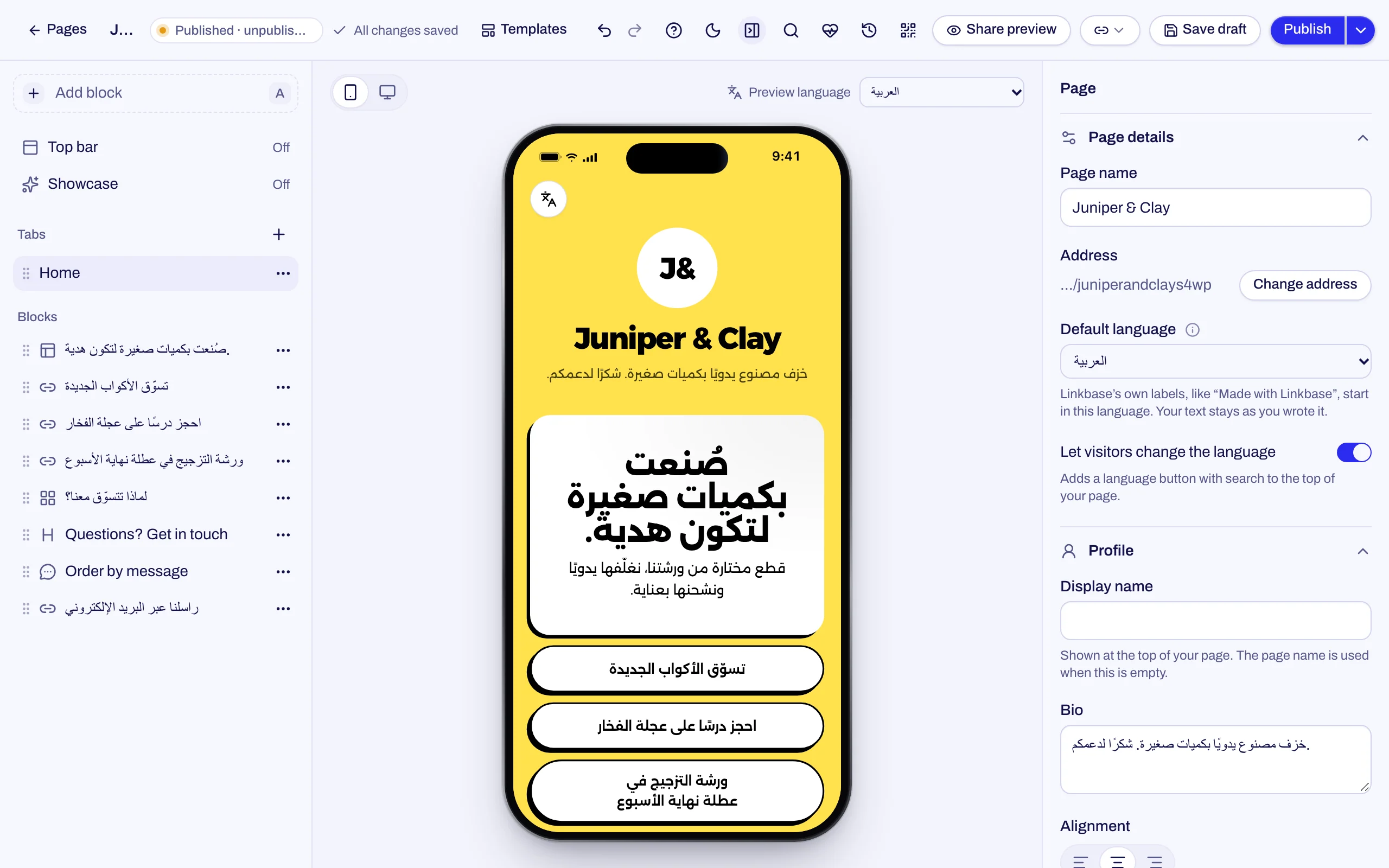
Make a right-to-left page in Arabic, Hebrew, Persian or Urdu
Mirror your whole page right to left, pick the language setting that suits your visitors, and keep mixed lines of text readable.
05
Write your page in more than one language
Linkbase never translates your words. Here are four ways to serve readers of several languages, and when each one fits.
06
How prices, dates and times are shown
Prices, dates, times and numbers in your blocks are written the way your page's language writes them, while your currency never changes.
Next topic
Teams and agencies
Workspaces, roles, client admins, reports and handing work over.
All topics
Getting started
Build your page
Design
Share your page
Grow your audience
Sell and take bookings
Analytics
Languages
Teams and agencies
Account and billing
Privacy, safety and trust
For visitors
Language
English
Español
Português (Brasil)
Français
Deutsch
Bahasa Indonesia
Türkçe
العربية
简体中文