Saltar al contenido
Funciones
Crear
El editor, los bloques, los temas y las plantillas
Compartir
Códigos QR, enlaces cortos y tu propio dominio
Entender
Estadísticas, visitantes en directo e informes por email
Ganar y crecer
Productos, propinas, reservas y suscripciones
Equipos y agencias
Tu equipo, espacios de trabajo de clientes e informes
Todos los idiomas
40 idiomas de página, también de derecha a izquierda
Confianza y privacidad
Estadísticas sin cookies, salud de la página y llaves de acceso
Ver todas las funciones
Recursos
Blog
Guías prácticas para creadores, negocios y agencias.
Guías
Guías a fondo para vender, crecer y llegar a todo el mundo.
Centro de ayuda
Respuestas paso a paso para cada parte de Linkbase.
Para agencias
Plantillas
Precios
Iniciar sesión
Empezar
Menú
Funciones
Crear
Compartir
Entender
Ganar y crecer
Equipos y agencias
Todos los idiomas
Confianza y privacidad
Ver todas las funciones
Recursos
Blog
Guías
Centro de ayuda
Para agencias
Plantillas
Precios
Iniciar sesión
Empezar
Idioma
English
Español
Português (Brasil)
Français
Deutsch
Bahasa Indonesia
Türkçe
العربية
简体中文
Idioma
English
Español
Português (Brasil)
Français
Deutsch
Bahasa Indonesia
Türkçe
العربية
简体中文
Centro de ayuda
Primeros pasos
Crea tu página, elige una plantilla y publícala.
8 artículos
01
Empieza aquí
Create your Linkbase page
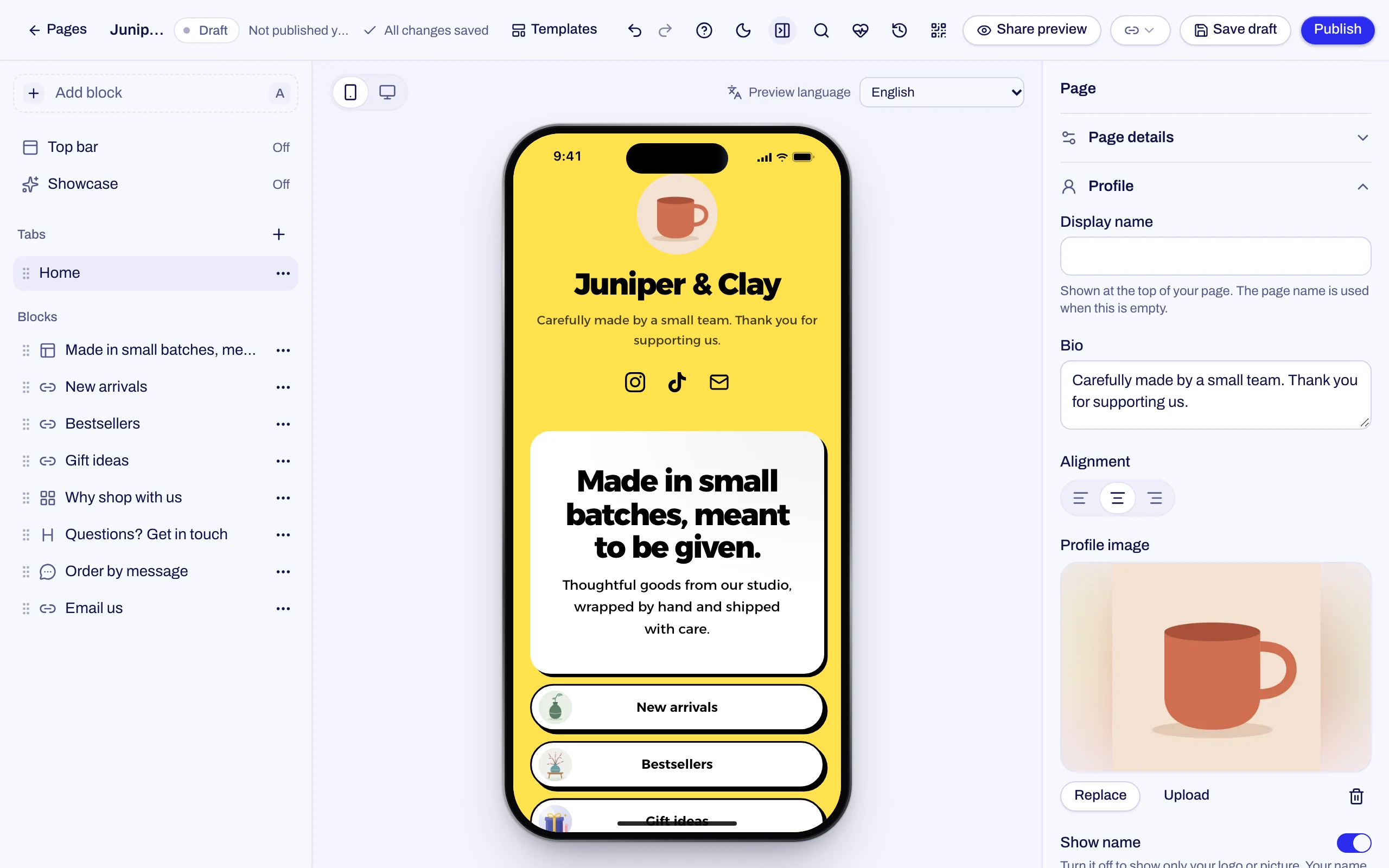
Sign up, claim your address, choose a template and add your profiles, then publish your page or save it as a draft.
02
Choose or change your page address
What your page address can contain, what to do when a name is taken or reserved, and how to change it while the old address forwards for 90 days.
03
Start from a template
Browse templates by kind of page, preview one with your own name, and apply it to a new or existing page without losing your work.
04
Add your first links and blocks
Add a link, a heading and your social icons in the editor, then put them in the order you want visitors to see them.
05
Publish your page and go live
What publishing does, why going live needs a trial or a plan, and how drafts, unpublished changes and unpublishing work.
06
Put your page in your social bios
Copy your page's address and add it to your Instagram, TikTok, YouTube, X and other profiles, with tags that show which bio sends visitors.
07
Find your way around the dashboard
A map of the dashboard: pages and the editor, analytics, audience and bookings, settings and your account menu, and where each task lives.
08
Import links from another link page
Paste the address of your current link page, choose what to bring over, including images and text, and tidy the new draft before you publish.
Siguiente tema
Crea tu página
Bloques, enlaces, pestañas y carpetas, borradores e historial de versiones.
Todos los temas
Primeros pasos
Crea tu página
Diseño
Comparte tu página
Haz crecer tu audiencia
Vende y recibe reservas
Analítica
Idiomas
Equipos y agencias
Cuenta y facturación
Privacidad, seguridad y confianza
Para visitantes
Idioma
English
Español
Português (Brasil)
Français
Deutsch
Bahasa Indonesia
Türkçe
العربية
简体中文