入门
创建页面、选择模板并发布上线。
8 篇文章
- 从这里开始Create your Linkbase pageSign up, claim your address, choose a template and add your profiles, then publish your page or save it as a draft.
- Choose or change your page addressWhat your page address can contain, what to do when a name is taken or reserved, and how to change it while the old address forwards for 90 days.
- Start from a templateBrowse templates by kind of page, preview one with your own name, and apply it to a new or existing page without losing your work.
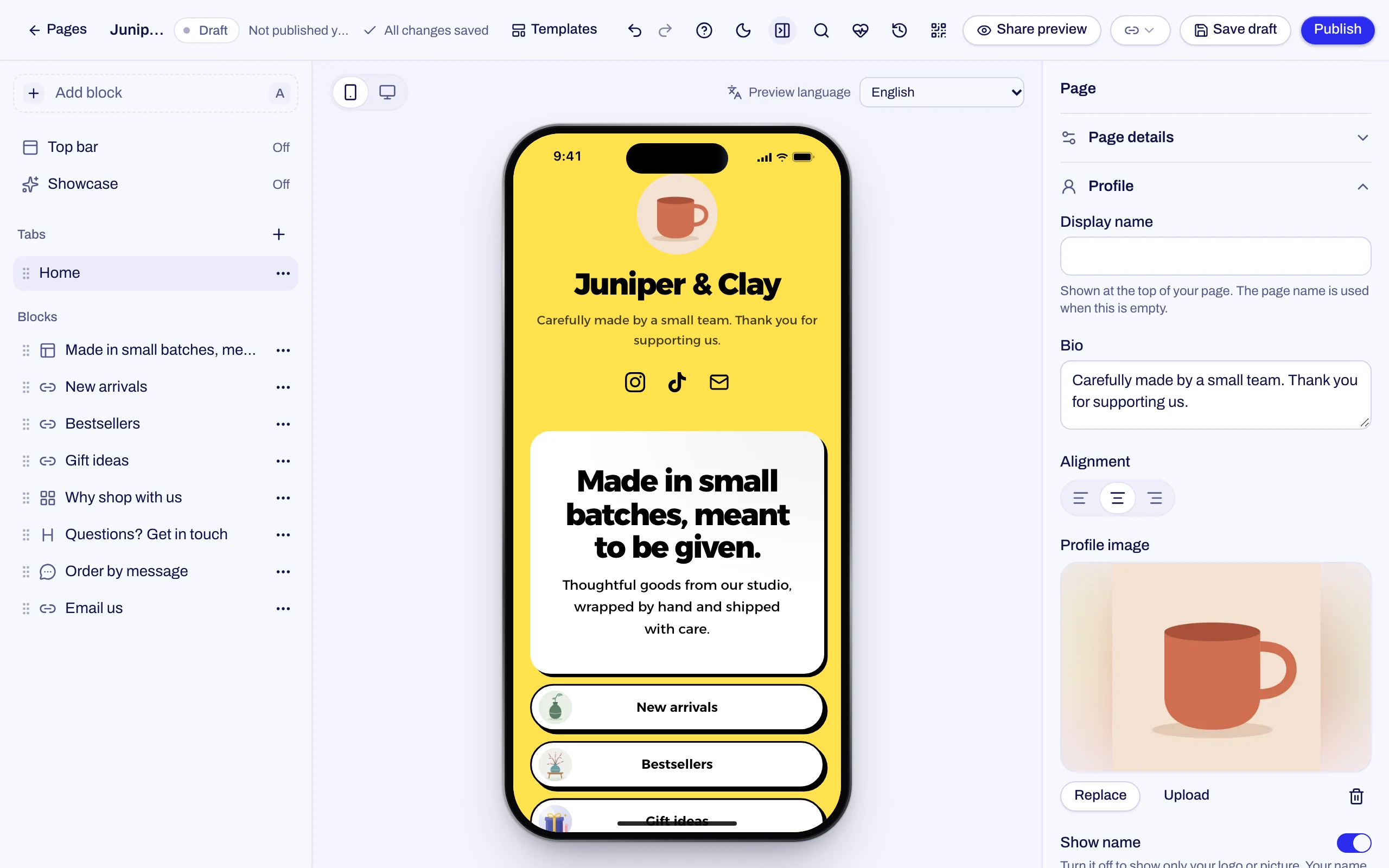
- Add your first links and blocksAdd a link, a heading and your social icons in the editor, then put them in the order you want visitors to see them.
- Publish your page and go liveWhat publishing does, why going live needs a trial or a plan, and how drafts, unpublished changes and unpublishing work.
- Put your page in your social biosCopy your page's address and add it to your Instagram, TikTok, YouTube, X and other profiles, with tags that show which bio sends visitors.
- Find your way around the dashboardA map of the dashboard: pages and the editor, analytics, audience and bookings, settings and your account menu, and where each task lives.
- Import links from another link pagePaste the address of your current link page, choose what to bring over, including images and text, and tidy the new draft before you publish.