Berjualan dan menerima pemesanan
Produk, menu, kupon, tip, dan janji temu, dibayar dengan cara Anda.
10 artikel
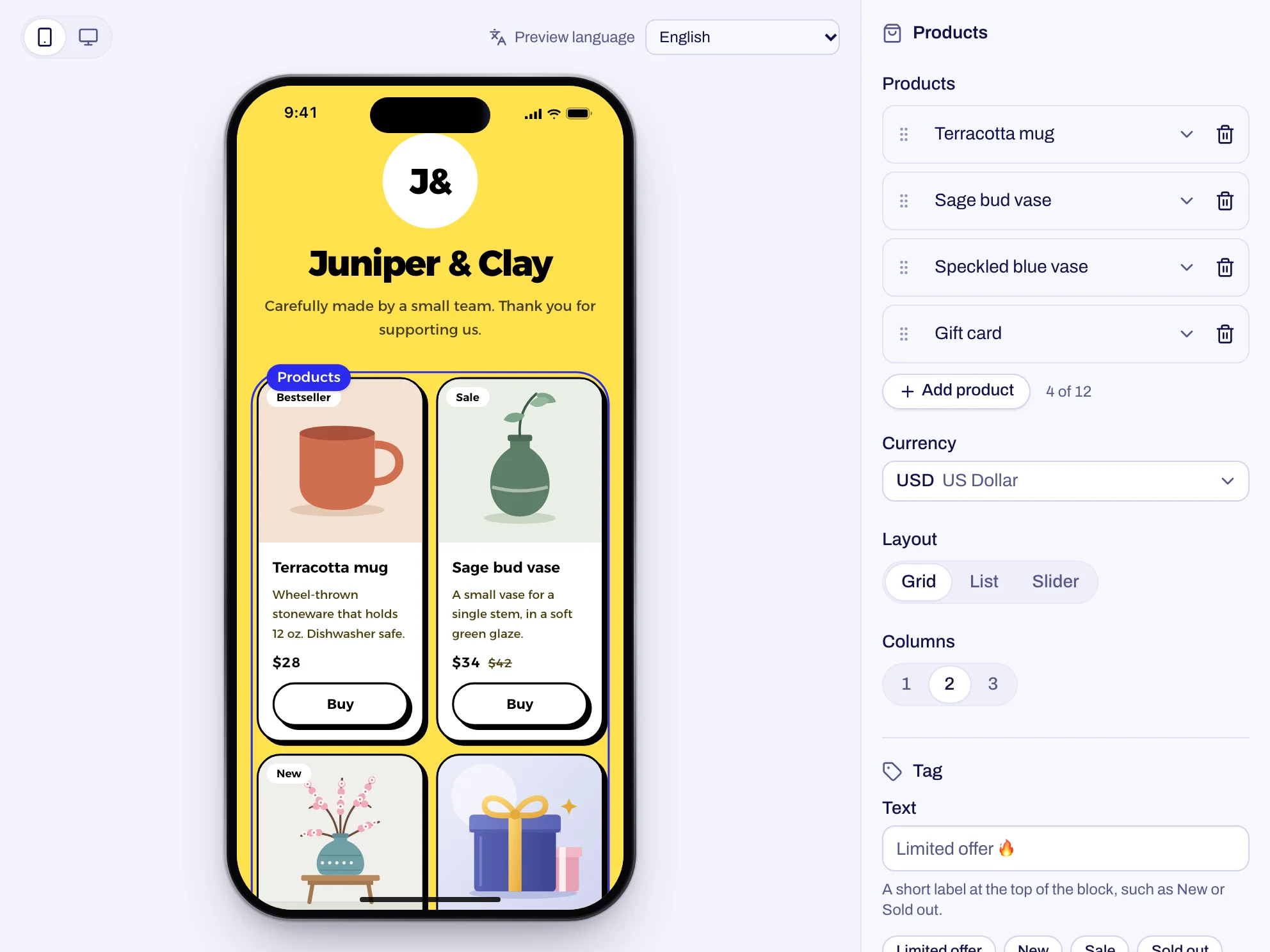
- Mulai di siniSell with product cardsAdd products with a photo, a price, a badge and a buy button that opens your own shop, payment link or chat.
- Add a menu or price listList dishes or services in sections, with descriptions, prices and dietary tags, for a restaurant, café, salon or studio.
- Share a coupon codeShow a discount code that visitors copy with one tap, with an optional expiry date and a link to your shop.
- Accept tips and donationsAdd a tip jar with set amounts that open your own payment link, plus an Other amount button for any sum.
- Show progress toward a goalAdd a progress bar toward a fundraising or sales target, with a Contribute button, and update it as money comes in.
- How payments work on LinkbaseLinkbase never takes your money or a cut of your sales: the buy, tip and plan buttons on your page open your own checkout.
- Show your plans with a pricing tableCompare up to three plans or packages side by side, with their features, one highlighted plan and a button for each.
- Set up bookingsCreate booking types, choose where each one happens, and add a booking block so visitors can book a time with you.
- Set your availability and booking rulesChoose the weekly hours visitors can book, block out days off, and set notice, a booking window, buffers and a daily limit.
- See and cancel bookings, and how guests rescheduleFind upcoming, past and canceled bookings, cancel one with a note to your guest, and see which emails guests and your team get.