Zum Inhalt springen
Funktionen
Erstellen
Der Editor, Blöcke, Themes und Vorlagen
Teilen
QR-Codes, Kurzlinks und deine eigene Domain
Verstehen
Statistiken, Live-Besucher und E-Mail-Berichte
Verdienen und wachsen
Produkte, Trinkgelder, Buchungen und Anmeldungen
Teams und Agenturen
Dein Team, Kunden-Workspaces und Berichte
Jede Sprache
40 Seitensprachen, auch von rechts nach links
Vertrauen und Datenschutz
Statistiken ohne Cookies, Seitenzustand und Passkeys
Alle Funktionen ansehen
Ressourcen
Blog
Praxisnahe Leitfäden für Creator, Unternehmen und Agenturen.
Leitfäden
Ausführliche Leitfäden zum Verkaufen, Wachsen und weltweiten Erreichen.
Hilfe-Center
Schritt-für-Schritt-Antworten zu jedem Teil von Linkbase.
Für Agenturen
Vorlagen
Preise
Anmelden
Loslegen
Menü
Funktionen
Erstellen
Teilen
Verstehen
Verdienen und wachsen
Teams und Agenturen
Jede Sprache
Vertrauen und Datenschutz
Alle Funktionen ansehen
Ressourcen
Blog
Leitfäden
Hilfe-Center
Für Agenturen
Vorlagen
Preise
Anmelden
Loslegen
Sprache
English
Español
Português (Brasil)
Français
Deutsch
Bahasa Indonesia
Türkçe
العربية
简体中文
Sprache
English
Español
Português (Brasil)
Français
Deutsch
Bahasa Indonesia
Türkçe
العربية
简体中文
Hilfe-Center
Erste Schritte
Erstelle deine Seite, wähle eine Vorlage und geh online.
8 Artikel
01
Hier anfangen
Create your Linkbase page
Sign up, claim your address, choose a template and add your profiles, then publish your page or save it as a draft.
02
Choose or change your page address
What your page address can contain, what to do when a name is taken or reserved, and how to change it while the old address forwards for 90 days.
03
Start from a template
Browse templates by kind of page, preview one with your own name, and apply it to a new or existing page without losing your work.
04
Add your first links and blocks
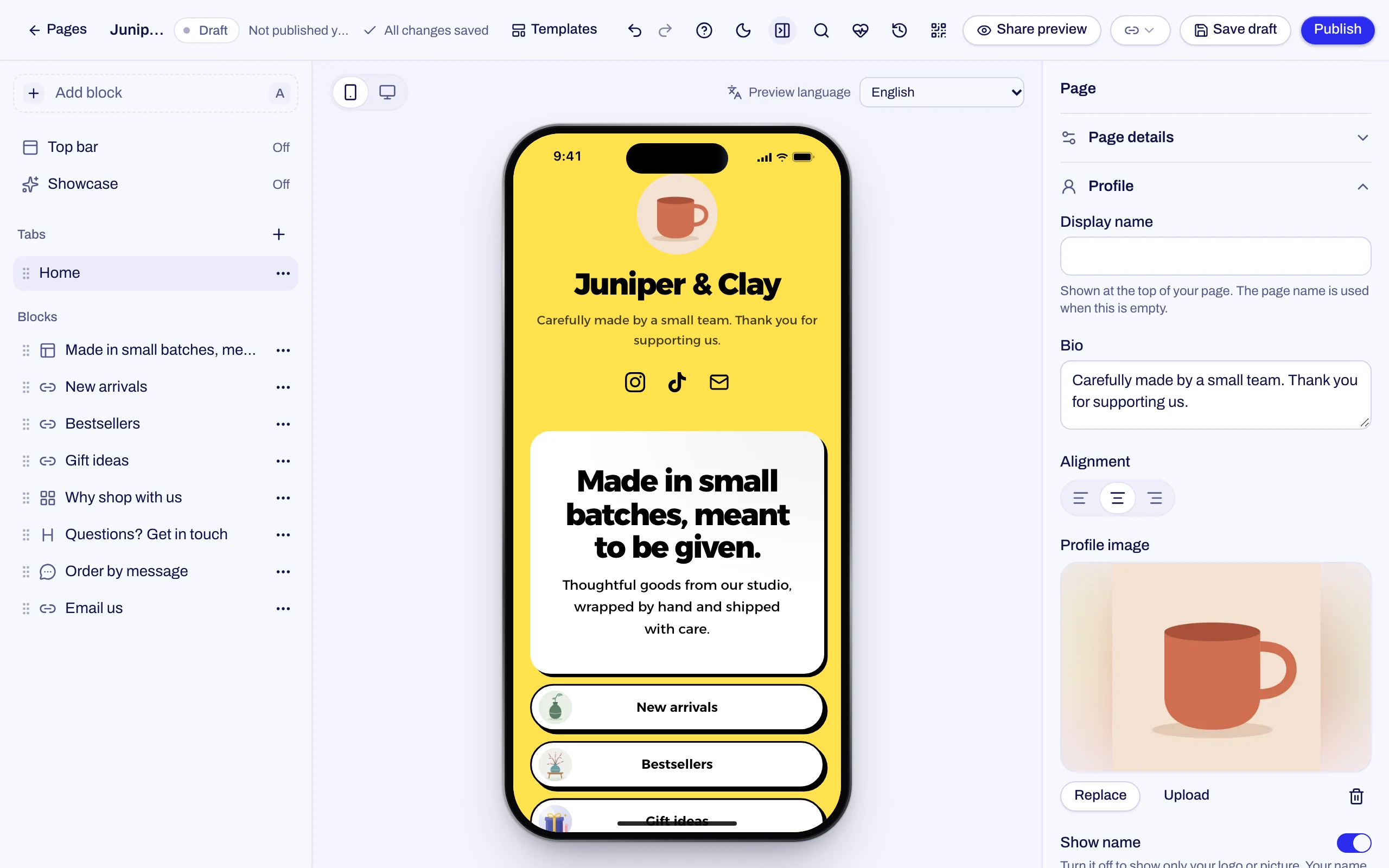
Add a link, a heading and your social icons in the editor, then put them in the order you want visitors to see them.
05
Publish your page and go live
What publishing does, why going live needs a trial or a plan, and how drafts, unpublished changes and unpublishing work.
06
Put your page in your social bios
Copy your page's address and add it to your Instagram, TikTok, YouTube, X and other profiles, with tags that show which bio sends visitors.
07
Find your way around the dashboard
A map of the dashboard: pages and the editor, analytics, audience and bookings, settings and your account menu, and where each task lives.
08
Import links from another link page
Paste the address of your current link page, choose what to bring over, including images and text, and tidy the new draft before you publish.
Nächstes Thema
Seite gestalten
Blöcke, Links, Tabs und Ordner, Entwürfe und Versionsverlauf.
Alle Themen
Erste Schritte
Seite gestalten
Design
Seite teilen
Publikum aufbauen
Verkaufen und Termine
Statistiken
Sprachen
Teams und Agenturen
Konto und Abrechnung
Datenschutz, Sicherheit und Vertrauen
Für Besucher
Sprache
English
Español
Português (Brasil)
Français
Deutsch
Bahasa Indonesia
Türkçe
العربية
简体中文